 BizQRAI
How do you measure whether a QR code is working?
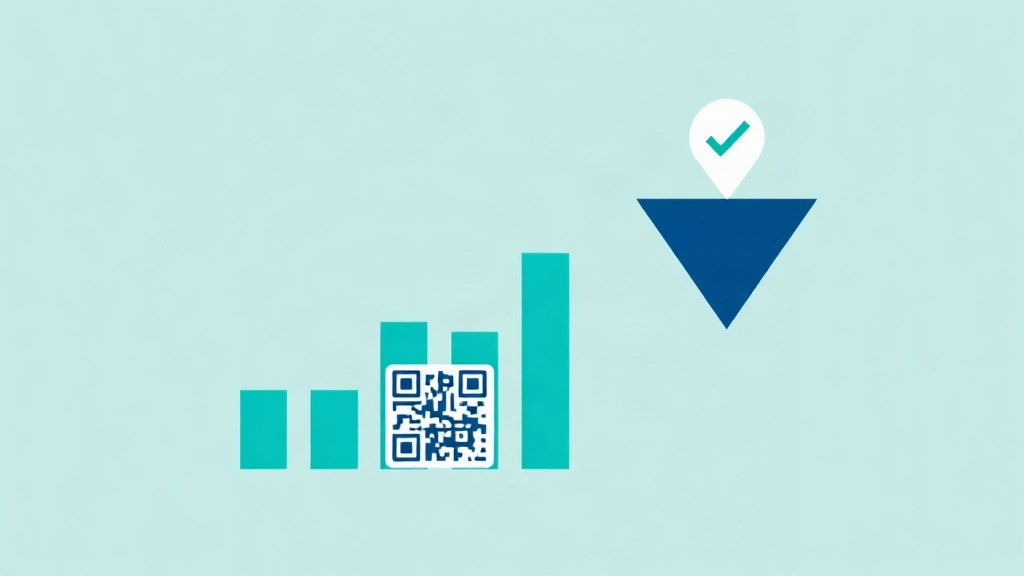
A scan count is a start, not the answer
The easiest number to see is how many times a code was scanned, usually through a dynamic link that records each scan. That number is useful, but it only shows interest. It does not show whether the scan led to the thing you wanted, such as a view, a booking, a review, or a purchase. Judging a code on scans alone can hide a code that gets attention but produces nothing.
What to measure instead
- Scans: did people notice and act on the code at all. Low scans point to placement or a weak reason to scan.
- The next action: of those who scanned, how many did the thing the landing page asked for. Low completion points to the page or the offer.
- The outcome: the result that matters to the business, tracked on the destination, so a scan can be tied to a real result where possible.
Setting it up so the numbers are honest
Use a trackable link behind the code, and a different link or code per placement, so you can compare where scans came from. Make sure the landing page records the next step, not just the visit. Then read the chain together. Many scans but few actions means fix the page. Few scans means fix the placement or the reason to scan. Keeping one timeframe for the comparison, rather than mixing a strong week with a quiet month, keeps the read fair.
Common questions
Is a high scan count a sign of success?
How do I compare two placements of a code?
What does a low scan count tell me?
This article is general educational information, not legal, financial or business advice. Tools, apps and prices change quickly, so verify current details and check important output before relying on it.
← All guides