 BizQRAI
How do you use a QR code to collect customer reviews?
Why a review QR code helps
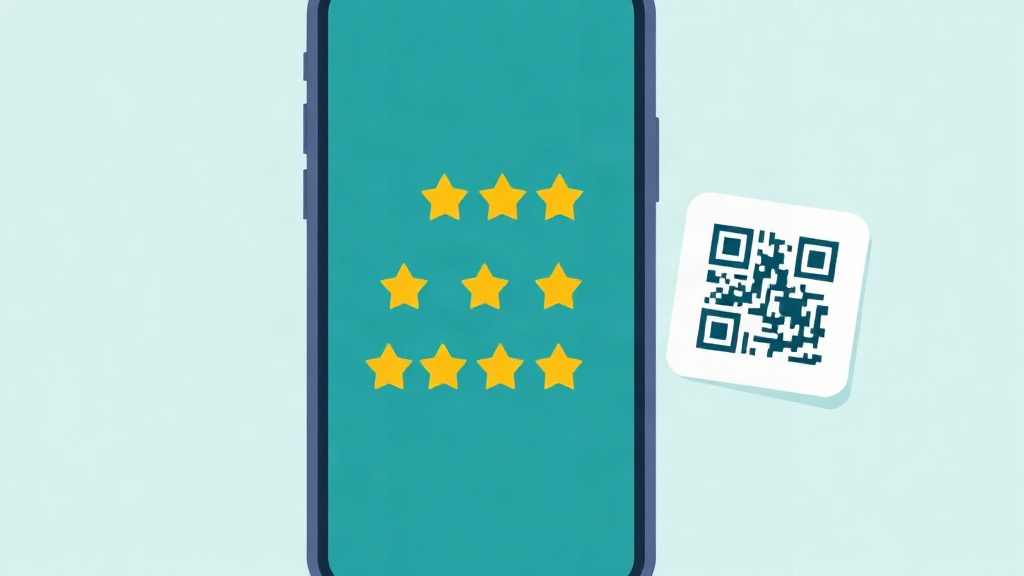
Most satisfied customers never leave a review, not because they are unwilling, but because it takes effort to find the right page. A QR code removes that step. The customer scans it and lands directly on the business review page, ready to write. Placing the code where a happy moment happens, such as on a receipt, a thank you card, or near the exit, catches people while the experience is fresh.
Setting it up honestly
- Point the code at the public review page for the business on the platform you use. The destination is a normal link, so any QR generator can turn it into a code.
- Add a short, plain invitation near the code, such as a line asking for honest feedback. Avoid promising a reward for a positive review, which many platforms prohibit.
- Give the same code and the same page to every customer, whether their experience was good or bad.
The practice to avoid
It is tempting to route only happy customers to the public review page while sending unhappy ones to a private form. This is often called review gating, and major review platforms prohibit it because it distorts the public rating. Beyond the rules, it hides the feedback a business most needs to improve. The honest and durable approach is one code, one public page, for everyone, with a separate and clearly optional way to reach the business privately if a customer wants to.
Common questions
Can I offer a discount for leaving a review?
Should the code go only to happy customers?
Where should a review code go?
This article is general educational information, not legal, financial or business advice. Tools, apps and prices change quickly, so verify current details and check important output before relying on it.
← All guides