 BizQRAI
How do QR codes work in a marketing campaign?
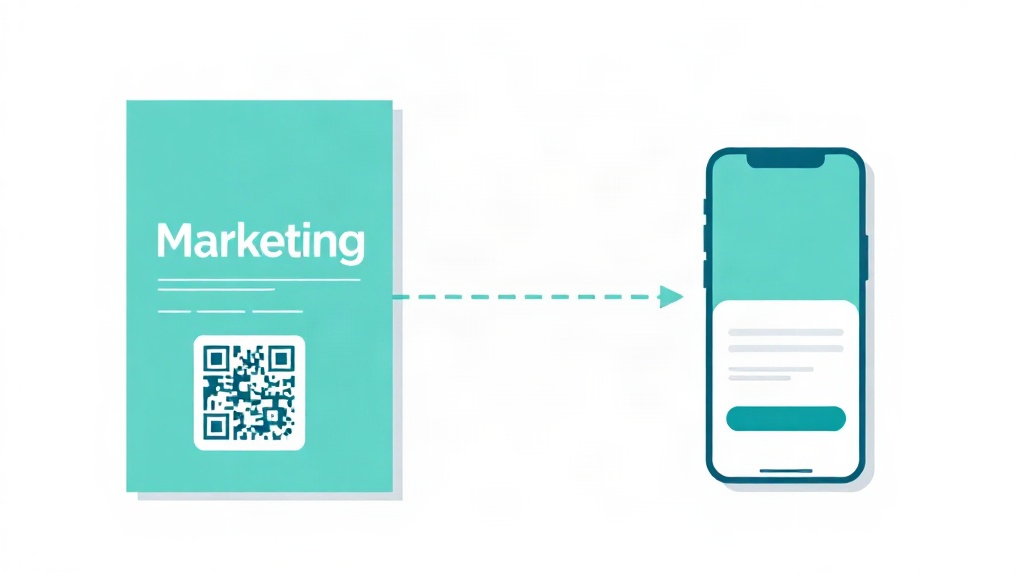
What a campaign code does
A marketing QR code connects something a person sees in the physical world, such as a flyer, a poster, a package or a screen, to a specific web page. It lets a business bridge offline attention and an online action without asking the person to type an address. The value is not the code. It is that the code points to a focused page and that you can tell how many people acted on it.
Building one that you can measure
- Point the code at a dedicated landing page for the campaign, not the homepage, so the page matches what the person just saw.
- Use a trackable link, such as one with UTM parameters or a dynamic redirect, so your analytics can separate these visitors from everyone else.
- Give people a clear reason to scan. A code with no promise beside it is usually ignored, while a specific next step gets scans.
- Make the landing page fast and mobile first, since every visitor arrives on a phone.
Reading the results honestly
A scan count on its own does not prove success. The useful chain is scans, then the action you wanted on the landing page, such as a sign up or a purchase. If many people scan but few act, the landing page or the offer is the problem, not the code. If few people scan, the placement or the reason to scan is the problem. Treating scans as an early signal rather than the goal keeps the focus on the outcome that matters.
Common questions
How do I know if a campaign code worked?
Should the code point to my homepage?
How do I track where scans came from?
This article is general educational information, not legal, financial or business advice. Tools, apps and prices change quickly, so verify current details and check important output before relying on it.
← All guides