 BizQRAI
How do QR code menus work for a restaurant?
What a menu QR code does
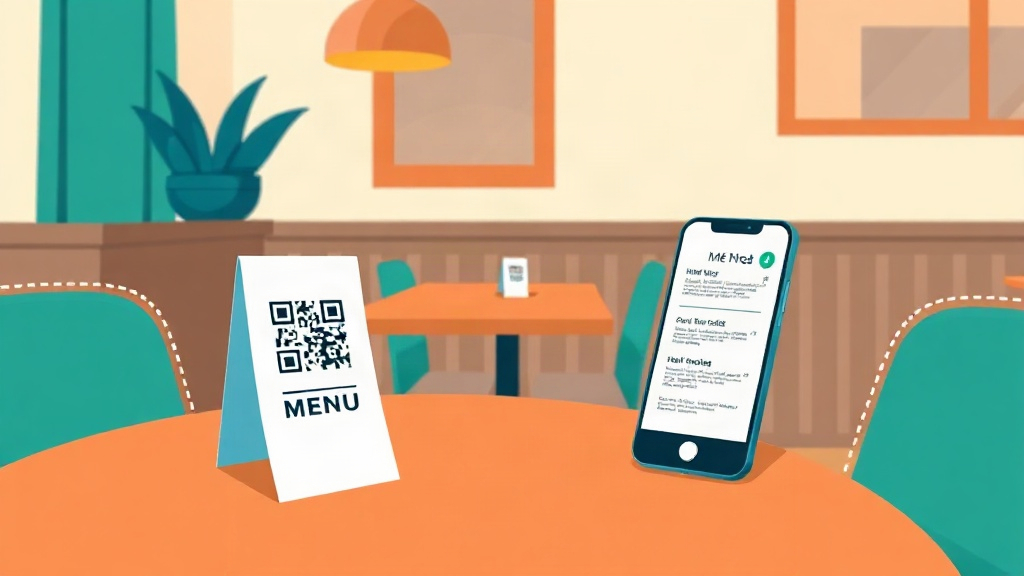
A menu QR code is a square pattern printed on a table tent, sticker or the physical menu that a guest points their phone camera at. The camera reads the code and opens a web page that shows the menu. The point is to remove typing. Instead of searching for the restaurant and hunting for a menu, the guest reaches the right page in one step.
Behind the code is a normal web address. That can be a page on the restaurant website, a hosted digital menu, or a PDF. The code itself does nothing special. It only carries the address, so the quality of the experience depends almost entirely on the page it opens.
Setting one up
- Decide what the code points to. A mobile friendly web page is easier to read than a PDF, which can force the guest to pinch and zoom.
- Generate the code from the final address. If the address might change later, a dynamic code lets you update the destination without reprinting, at the cost of depending on a provider.
- Print it large enough to scan from a seated position, and test it on more than one phone before it reaches tables.
- Keep a few paper menus available. Some guests cannot or prefer not to scan.
What frustrates guests, and how to avoid it
Most complaints are not about the code. They are about the page behind it. A slow page, a tiny PDF, a login wall, or a menu that is hard to scroll through on a phone will turn guests off faster than no code at all. The useful test is simple. Open the code as a first time guest would, on an average phone, and see whether the menu is readable and quick without any pinching.
A second common issue is a dead code. If the destination link breaks or a dynamic provider lapses, the code stops working and the table tent looks broken. Checking the codes on a schedule, and keeping the paper backup, avoids that.
Common questions
Does a QR menu save money?
Do I need an app to scan a menu code?
Should the code open a PDF or a web page?
This article is general educational information, not legal, financial or business advice. Tools, apps and prices change quickly, so verify current details and check important output before relying on it.
← All guides